
Published on August 10, 2026
Copilot for Microsoft 365: Using AI in Practice

Microsoft Copilot in Practice - How AI Supports Everyday Work
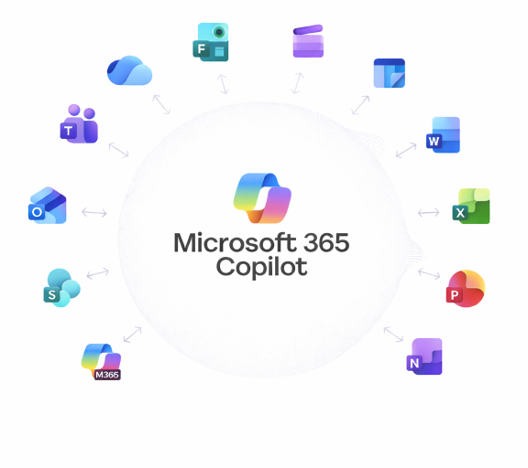
Microsoft Copilot is the new AI tool in Microsoft 365 that makes everyday work noticeably easier. Whether in Outlook, Teams, Word, or PowerPoint, Copilot supports common tasks, saves time, and brings more structure to the workday. In this article, we show how Microsoft Copilot is used in practice and the tangible value it delivers in everyday office work.
What is Microsoft Copilot
We explained in detail what Microsoft Copilot is, how it works, and the concepts behind it in our first article.
If you are looking for a general introduction, continue reading here: Microsoft Copilot for Microsoft 365 – An Overview
Microsoft Copilot in Everyday Work
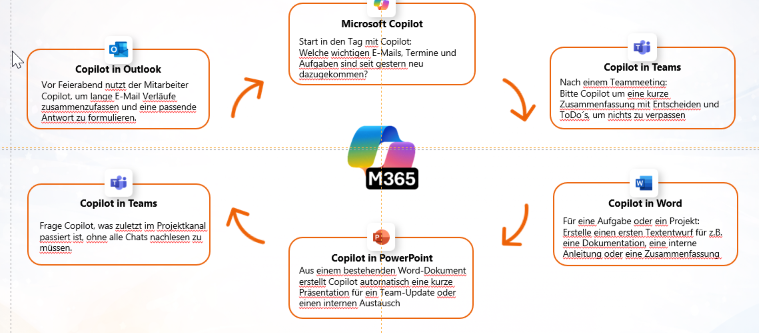
At the beginning of a workday, the focus is often on getting an overview of new emails, appointments, and tasks. This is exactly where Copilot helps. Instead of manually searching through inboxes and calendars, Copilot creates a condensed overview containing the most important information.
This saves time, creates structure, and helps you start your day more productively.
Copilot in Meetings (Microsoft Teams)
Meetings are part of everyday work, but they are also one of the biggest time consumers. Copilot in Microsoft Teams automatically generates a summary based on the conversation, including:
- Important decisions
- Open action items
- To-dos
Manual follow-up work is largely eliminated. Even if you miss a meeting, you can quickly catch up on the key points. This significantly reduces the effort required for meeting notes and follow-up tasks.
Copilot in Word: Create and Edit Content Efficiently
In Microsoft Word, Copilot assists with writing, editing, and structuring content. It creates initial drafts from just a few bullet points, which you can then adapt and refine. Existing content can be simplified, expanded, or restructured.
Whether you work directly in a document or interact with Copilot through chat, Copilot provides suggestions, wording alternatives, and summaries. This enables flexible and efficient content creation in everyday business scenarios.
Microsoft Copilot in PowerPoint – Create Presentations in Minutes
Creating presentations is often one of the most time-consuming tasks - and Copilot can save a significant amount of time here. In PowerPoint, the AI creates presentations based on existing documents or bullet points.
Instead of starting with a blank slide, you receive structure suggestions and initial content. Layouts and designs can be adjusted later. This is especially useful for internal presentations or status updates, where the focus is more on content than design.
Copilot in Outlook - Process Emails Faster
Copilot also excels in Microsoft Outlook. It analyzes lengthy email threads, summarizes conversations, and suggests draft responses.
The “Schedule with Copilot” feature is particularly practical: meetings can be created directly from email conversations, including all relevant participants. This saves time, especially when coordinating frequent appointments.
Copilot Throughout the Workday
The greatest value of Microsoft Copilot comes from its seamless use across multiple Microsoft 365 applications.
Switching between Outlook, Word, Teams, and PowerPoint happens without losing context - Copilot understands the existing content and can continue working immediately.
As a result, many small time savings add up to a significant productivity boost throughout the entire workday.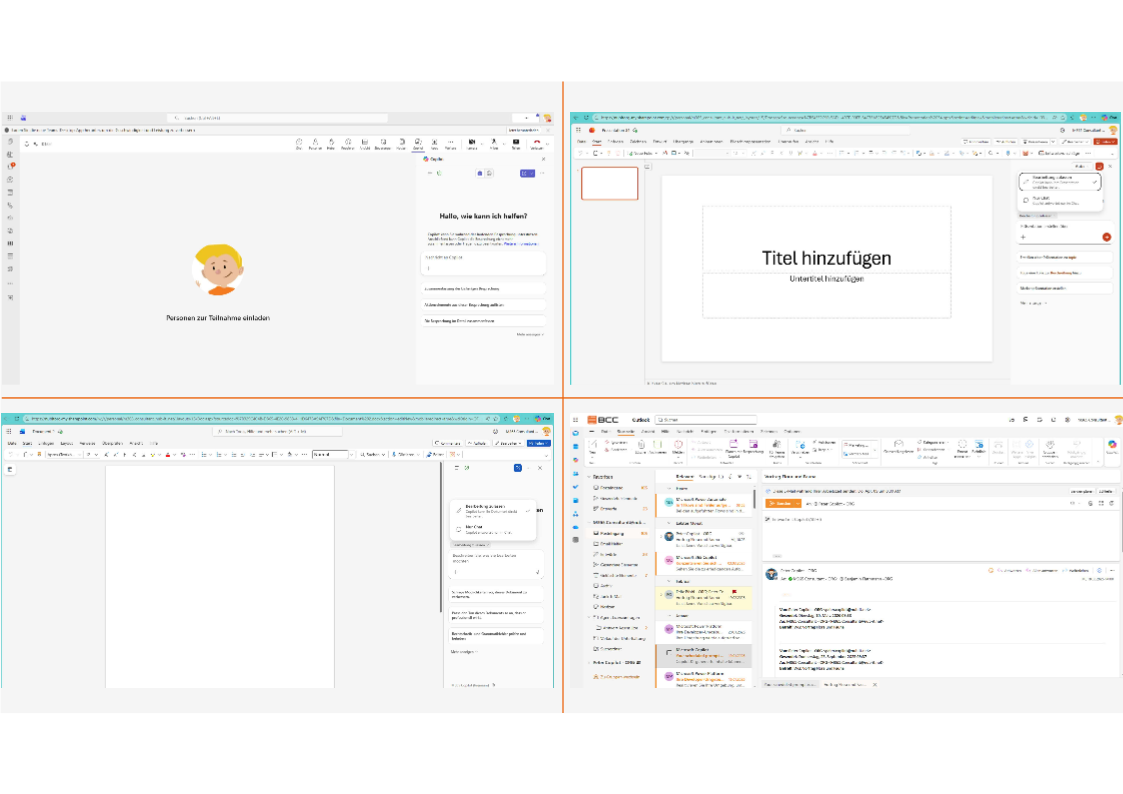
Insights from Real-World Use
Practical experience shows that Copilot delivers usable results quickly, but rarely produces perfect output immediately. The AI provides a strong starting point that can then be refined and optimized by the user.
The professional evaluation always remains the responsibility of the user - Copilot supports the process, but it does not make decisions.
The more frequently Copilot is used, the better users learn how to take advantage of its capabilities efficiently.
Summary: Microsoft Copilot as a Daily Companion
The value of Microsoft Copilot lies in its practical support for everyday tasks - not in complete automation. Copilot creates more freedom, reduces routine work, and accelerates workflows.
In doing so, Copilot lays the foundation for more efficient daily routines and serves as the basis for advanced topics such as process optimization and automation with Copilot Agents.
Are you planning to implement Microsoft Copilot or do you have questions about architecture, permissions, or governance?
We would be happy to discuss your requirements in a no-obligation consultation.

Looking for on demand
webinars and video training?
View our Videos & Webinars page to see upcoming webinars, watch past webinars, and view our on demand training videos.


View upcoming events
See all industry events that BCC will be attending in the near future.
View events
Auf der Suche nach On-Demand-Webinaren und Video-Trainings?
Besuchen Sie unsere Seite für Videos & Webinare, um bevorstehende Webinare zu sehen, vergangene Webinare anzuschauen und unsere On-Demand-Trainingsvideos zu betrachten.
Bevorstehende Veranstaltungen ansehen
Sehen Sie alle Branchenveranstaltungen, an denen BCC in naher Zukunft teilnehmen wird.
Veranstaltungen ansehen